Best MM2 PFPs | HD Images & Aesthetic Covers | 2026
Have you ever joined a Murder Mystery 2 lobby and saw someone with a cold-looking PFP that instantly made you think, yeah this player means business? Meanwhile your profile pic is just… there. Default and dry with a negative aura.
In MM2, your PFP is lowkey your identity. It is your flex before the round even starts. Whether you are a sheriff main, a godly trader, or the type who wipes lobbies silently, your MM2 PFP sets the vibe. That is why players are constantly searching for the best mm2 pictures to upgrade their look.
Below you will find the cleanest MM2 covers, aesthetic ideas, and ways to create your own like a pro!
What Is an MM2 PFP?
MM2 PFP simply means the image you use on your Roblox account that represents your style inside MM2. It could literally be anything that fits the allowed space, such as:
- A godly knife flex
- A dark assassin aesthetic
- An anime-style killer vibe
- A trading inventory showcase
- A matching duo picture with your friend
Best MM2 Picture Ideas (Trending 2026)
Here are the styles that are dominating right now:
MM2 Aesthetic PFP
Soft glow, blur effects, dark overlays, inventory backgrounds. Clean but deadly.
MM2 Dark / Edgy PFP
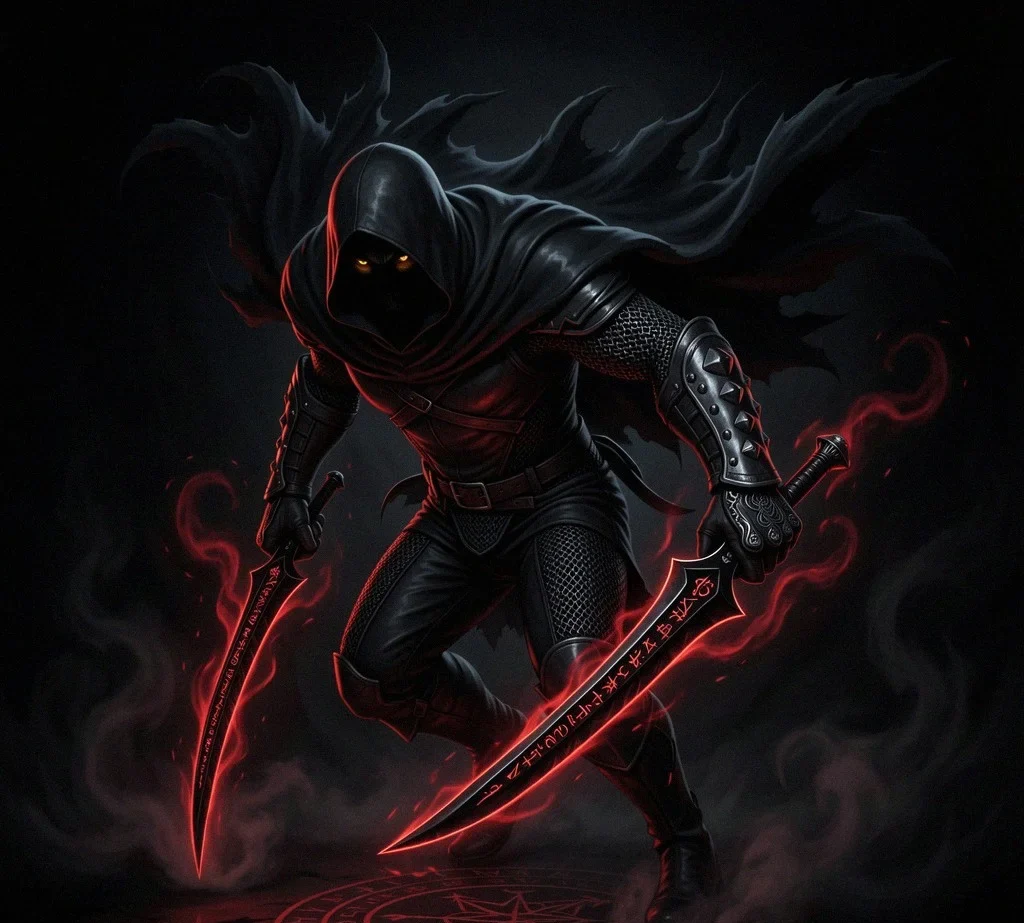
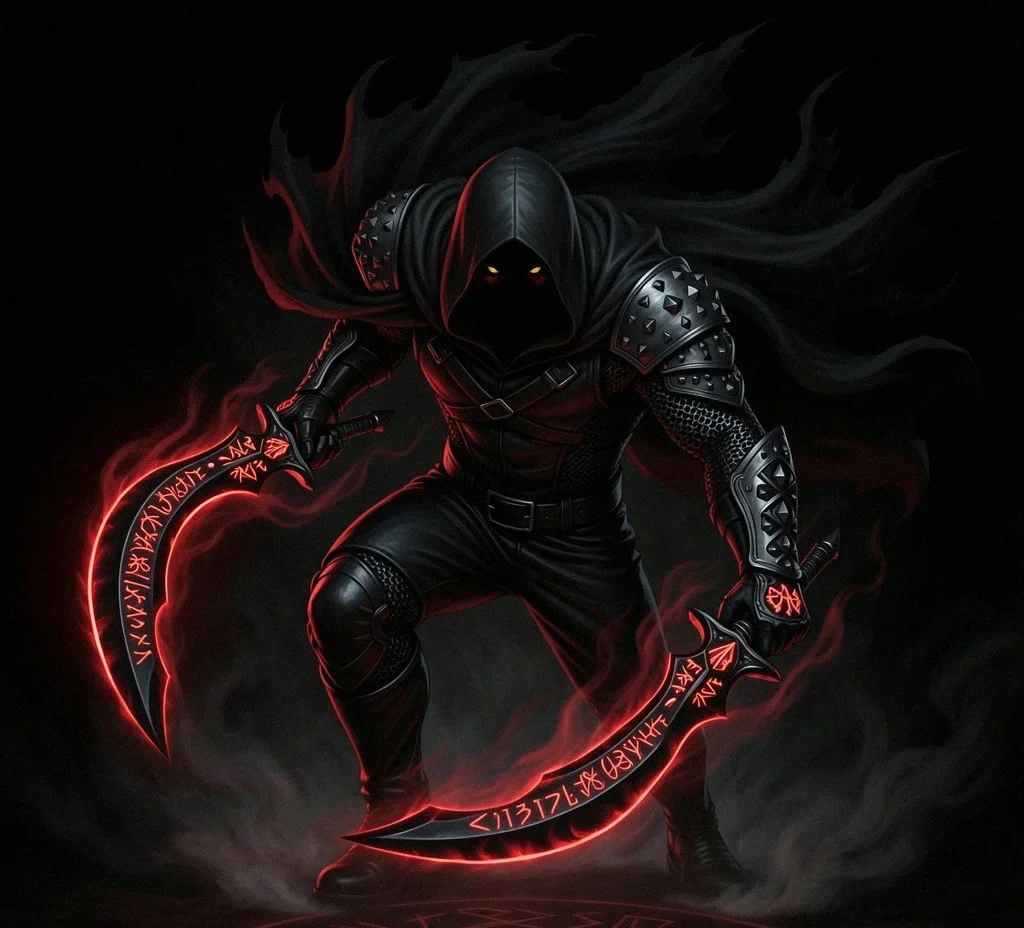
Black background, red glow knives, shadow vibes. Perfect for murderer mains.
MM2 Godly Knife PFP
Chroma weapons, rare godlies, stacked inventory flex shots. Pure status symbol.
MM2 Anime Style PFP
Anime character holding knives or edited into MM2 scene. Big TikTok energy.
MM2 Matching Duo PFP
Half image for you, half for your friend. Sheriff and murderer combo style.
MM2 Meme / Funny PFP
Funny edits, exaggerated reactions, chaotic energy. Great for casual players.
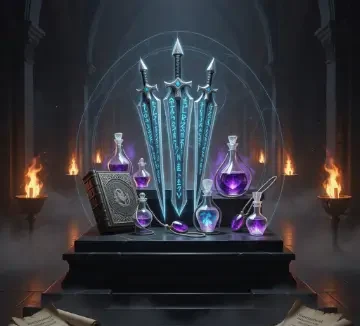
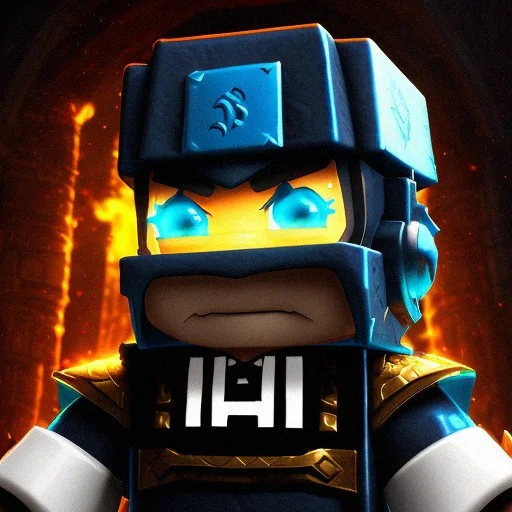
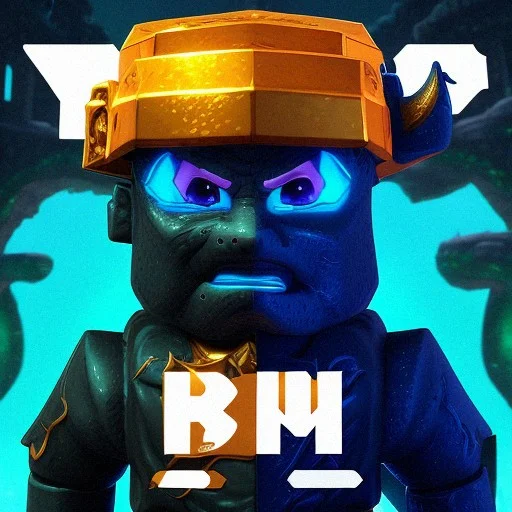
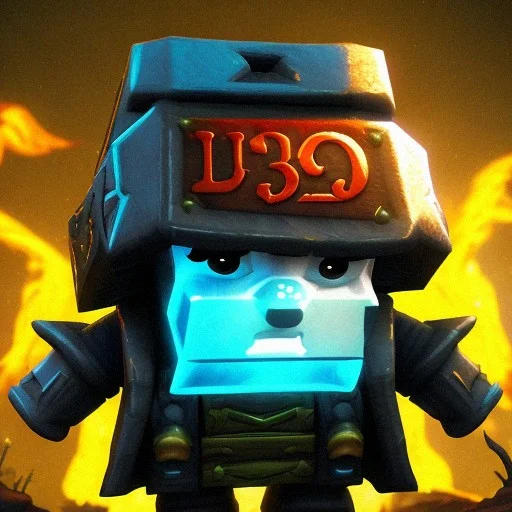
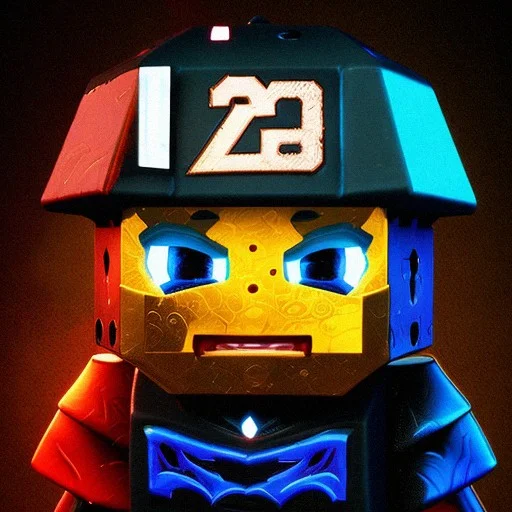
MM2 Cover Collection
How to Change Your MM2 Profile Picture
Changing your MM2 DP is actually done through Roblox. Here are 5 simple and easy steps you need to follow to change your display picture
- Log into Roblox.
- Go to Avatar settings.
- Upload your new image if using a custom decal.
- Apply it to your profile.
- Refresh your profile and wait for the picture to load.
If Using a Roblox image ID:
- Upload image as decal.
- Copy the image ID.
- Apply it through inventory.
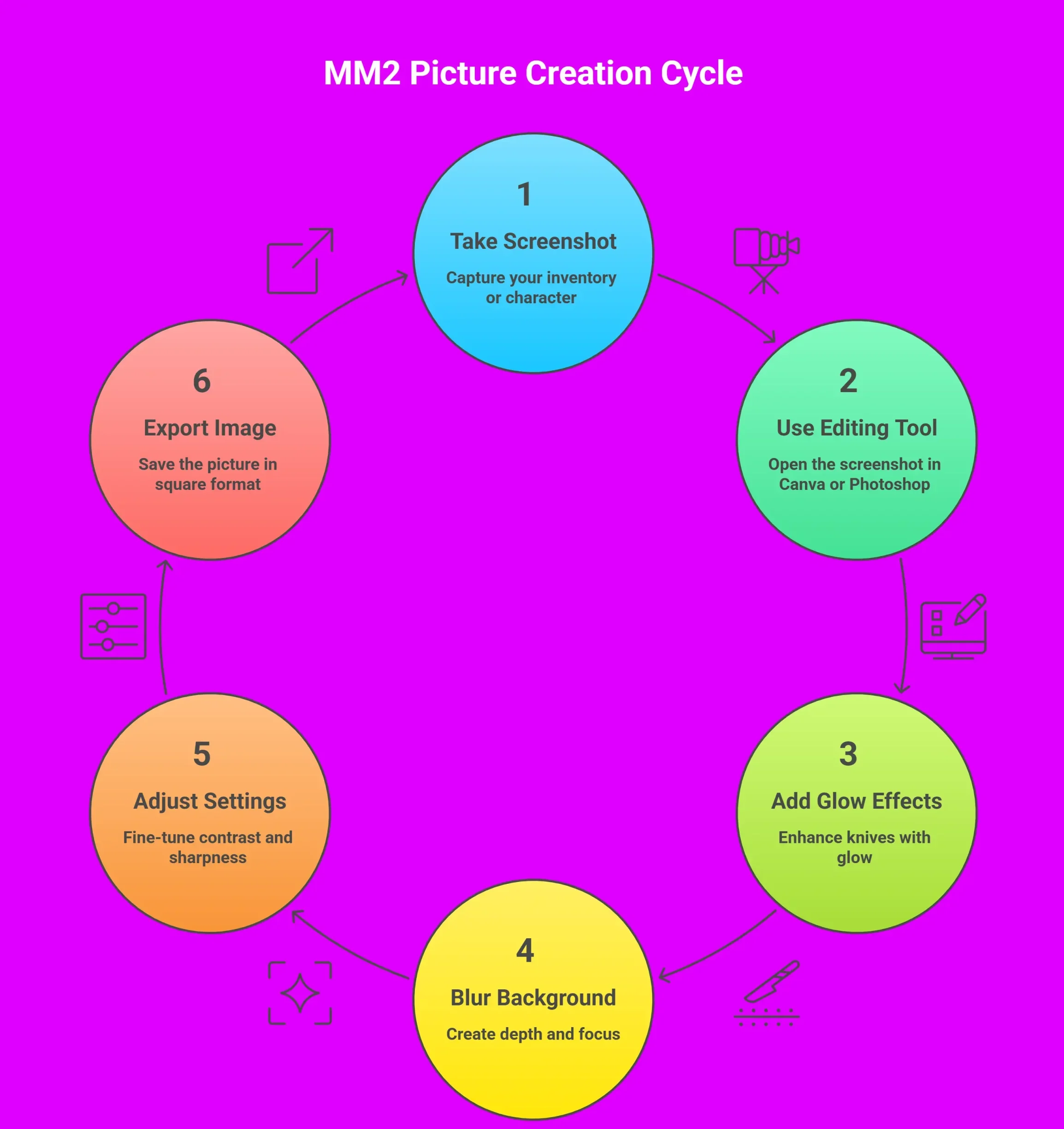
How to Create Your Own MM2 Picture
If you want something unique to lit up your Murder Mystery 2 profile, you can for a custom picture. Here’s how to make your own picture:
- Take a screenshot of your inventory or character.
- Use Canva or Photoshop.
- Add glow effects around knives.
- Add a blurred background.
- Adjust contrast and sharpness.
- Export in square format.
Keep it high resolution so it does not look blurry like a low-tier trade offer.
Check also: MM2 Cheap Codes
MM2 Image ID & Decal Guide
Roblox allows you to upload images as decals. Once uploaded, each image gets a unique ID. You can make your own decals by following these steps:
- Upload image to Roblox Creator Marketplace.
- Copy the generated image ID.
- Paste into the library URL.
- Add to inventory.
That is how most mm2 images become shareable across servers.
Matching MM2 Pictures For Friends
If you’re playing MM2 with a buddy, matching pfps can give you instant aura points. Here’s how you can make some elite tier matching profile pictures:
- Half knife split image
- Light vs dark theme
- Sheriff and murderer mirror design
- Anime duo theme
Best MM2 DP Size Guide
In order to upload your mm2 picture in the best quality, you need to keep the following requirements in mind:
- You need to use a 1:1 square ratio for the mm2 pfp.
- A 512×512 minimum resolution must be used.
- PNG format is preferred so convert your image into the mentioned format.
- Avoid heavy compression to avoid blurry images.
MM2 Image IDs To Copy & Use Instantly
Instead of scrolling for hours trying to find decent mm2 pictures, you can grab a solid one in seconds and upgrade your profile instantly. Whether you’re going for a dark assassin look, a flashy godly knife flex, or a soft aesthetic glow vibe, these MM2 PFP IDs are ready to use.
All you have to do is copy the ID, go to [www.roblox.com/library/IMAGE-ID](http://www.roblox.com/library/IMAGE-ID)
replace “IMAGE-ID” with the number you copied, and add it to your inventory.
Read also: MM2 Laser
Style / Theme | MM2 PFP Type | Image ID | Best For |
|---|---|---|---|
Dark Assassin Glow | MM2 Dark PFP | 11623459250 | Murderer mains |
Chroma Knife Flex | MM2 Godly PFP | 11990831699 | Traders & inventory flex |
Red Aura Knife | MM2 Edgy PFP | 10590477450 | Competitive players |
Anime MM2 Edit | MM2 Aesthetic PFP | 8598068650 | TikTok style profiles |
Sheriff Blue Glow | MM2 Sheriff PFP | 9242918232 | Sheriff mains |
Duo Split Theme | Matching MM2 DP | 11759293347 | Best friends / couples |
Meme Energy Edit | Funny MM2 Pic | 6090344677 | Casual chaotic players |
Inventory Showcase | MM2 Trading PFP | 11089513965 | Serious traders |
Minimal Clean Aesthetic | Soft MM2 Pic | 8227110001 | Clean modern vibe |
Neon Outline Knife | MM2 Neon Glow PFP | 7683701966 | Flashy lobby entrance |
Frequently Asked Questions
Final Thoughts
In MM2, it’s all about the skill that wins games. But style wins attention. This is precisely why a clean picture makes you stand out before the round even starts. Whether you want dark assassin vibes, godly flex energy, or matching duo aesthetic, upgrading your mm2 profile picture is the easiest glow-up you can make.
Without further ado, scroll up, download your favorite MM2 PFP cover, and step into your next lobby looking like the main character. And if you are serious about dominating MM2, make sure to check out our MM2 values trade analyzer to level up your trades!